Why Smart Homes Surprise Even Tech-Savvy People
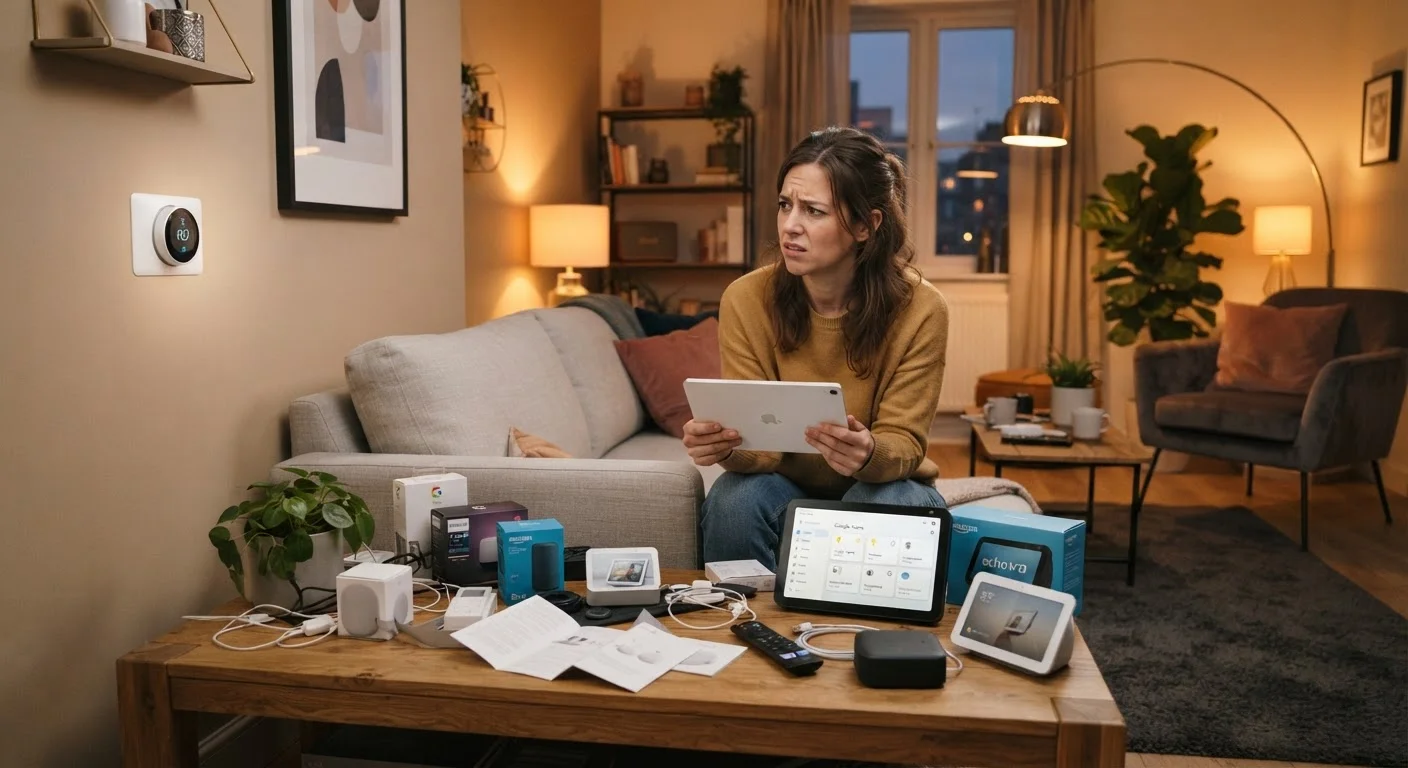
Smart home devices look simple in the box. Plug in, download an app, and start automating - that's the promise. The reality tends to involve more troubleshooting, replanning, and occasional frustration than most first-timers expect. The devices themselves usually work; it's the broader system they need to operate within that catches people off guard.
Understanding the most common pitfalls before you invest saves both money and headaches. Whether you're adding your first smart bulb or planning a whole-home setup, these are the mistakes worth knowing about in advance. For a broader foundation, our guide to building a smart home that actually works lays out the planning principles worth reading first.
Mixing devices from incompatible ecosystems without checking compatibility first.
Why it happens: Shoppers often buy devices based on individual features or price without realizing that Google Home, Amazon Alexa, and Apple HomeKit don't automatically play well together.
Assuming the existing home Wi-Fi network is strong enough to support multiple smart devices.
Why it happens: A router that handles laptops and phones fine can buckle when a dozen low-power smart devices are added, especially in larger homes with dead zones.
Building automations that don't account for the habits of everyone in the household.
Why it happens: The person setting up the system designs routines around their own schedule, forgetting that partners, children, or housemates have different patterns and needs.
Neglecting firmware updates and account security after initial setup.
Why it happens: Once a device is working, most users set it and forget it - leaving security vulnerabilities unpatched and default credentials unchanged.
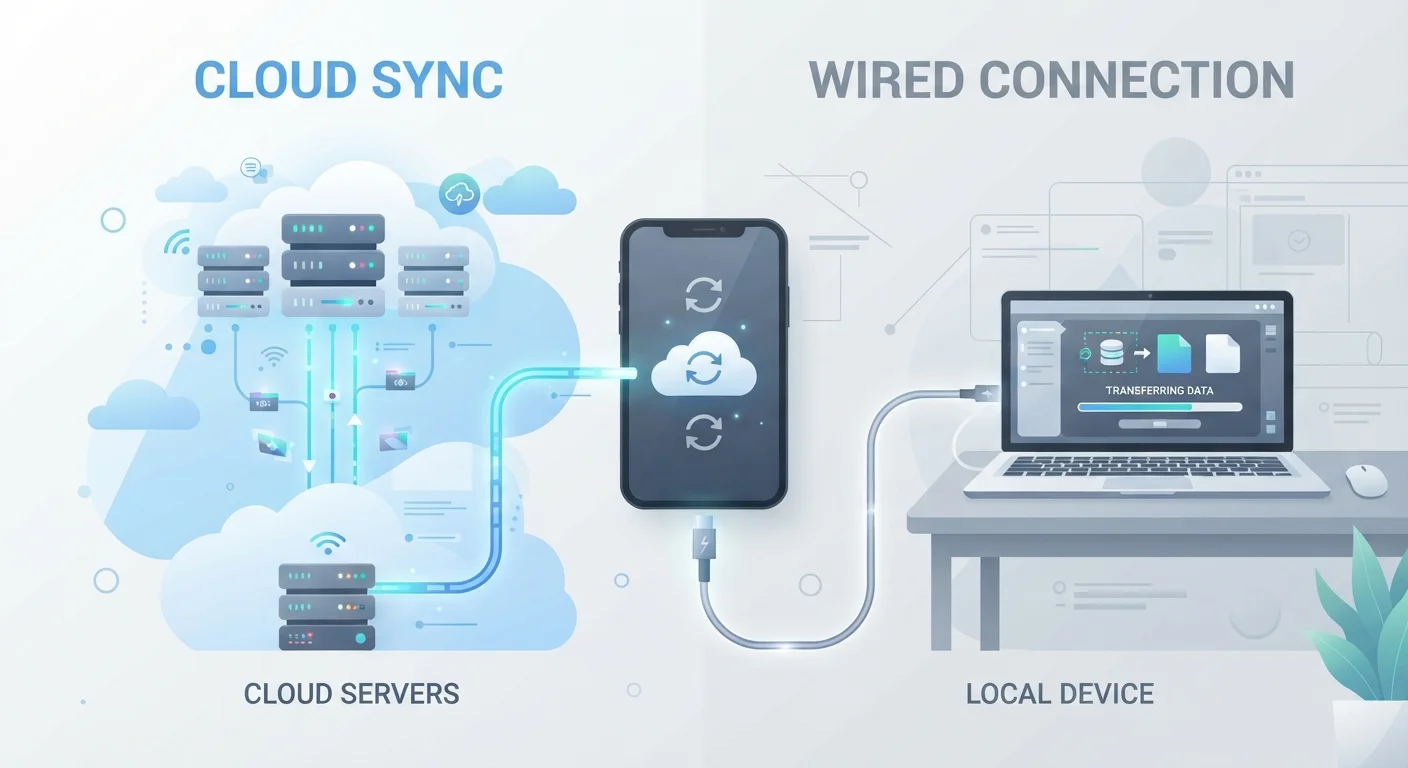
Underestimating how much smart devices depend on cloud services staying active.
Why it happens: Most smart home devices require a manufacturer's cloud server to function - something buyers don't realize until a company shuts down a service or experiences an outage.
Security and Privacy: The Afterthoughts That Matter Most
Many new smart home owners spend weeks choosing the right thermostat or lighting system, then spend about three minutes on account security. Default passwords, skipped firmware updates, and unsecured guest networks are among the most common vulnerabilities in connected homes - and among the easiest to fix.
Don't Skip the Basics After Setup
It's tempting to consider a device "done" once it connects and works. But default passwords, unpatched firmware, and open guest networks are active security risks in a connected home. Spending 15 minutes on account hygiene and update settings right after setup is far less painful than addressing a compromised device later.
Privacy is a related concern that often gets misunderstood. Devices with microphones or cameras do raise legitimate questions, but the risks are different from what most people imagine. Our article on smart home privacy misconceptions separates fact from fiction, while our smart home security checklist gives you a concrete audit you can run today.
70%+
Smart home owners who report setup challenges
Industry surveys consistently find that a majority of new smart home users encounter unexpected technical issues during or shortly after initial setup.
1 in 3
Smart devices abandoned within the first year
Research from multiple consumer technology studies suggests a significant share of purchased smart home devices stop being used within 12 months, often due to friction rather than device failure.