The Gap Between Hardware and Software
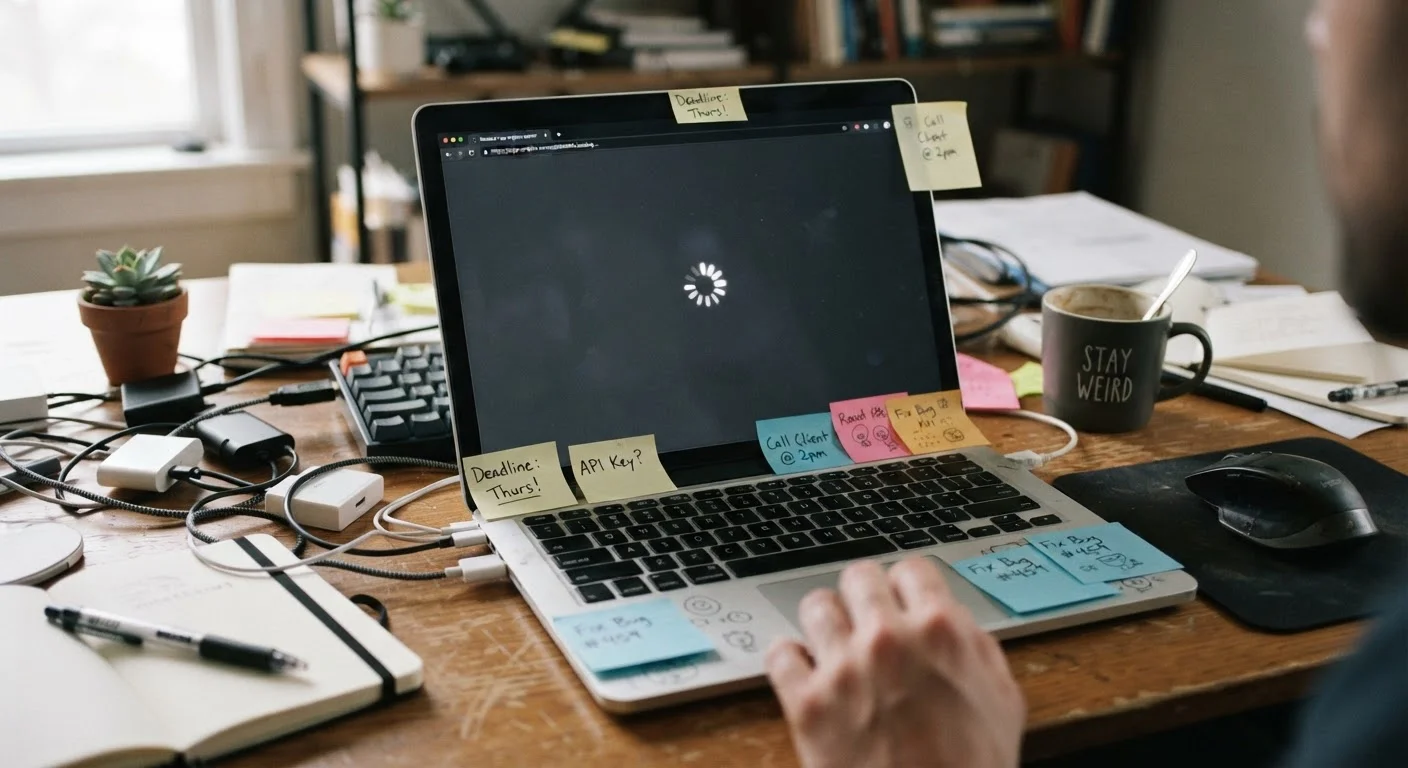
Your computer's hardware - the processor, RAM, and storage - doesn't get faster on its own. But the software running on it does get larger and more demanding. Every operating system update, every new application version, every browser tab open simultaneously asks a little more of components that haven't changed since you bought the machine.
This growing gap between what software requires and what hardware can deliver is the core reason computers feel slower over time. It's not that anything necessarily broke - it's that the balance shifted. Understanding what RAM, storage, and processing speed actually do helps make this dynamic concrete: a processor that handled tasks quickly in one era of software can genuinely struggle with the demands of software designed years later.
~60%
of performance loss attributed to software factors
Industry technicians commonly estimate that a majority of perceived computer slowdowns originate from software-side causes rather than hardware failure, making them addressable without replacement.
3-5 years
typical lifespan before noticeable performance gap
Most consumer computers begin showing meaningful slowdown relative to current software demands within three to five years of purchase, depending on usage patterns and maintenance.
30-40%
average drive capacity that should remain free
General guidance from operating system developers suggests keeping roughly a third of drive capacity available to support efficient system operations and temporary file management.
Software Accumulation and Startup Clutter
One of the most common and correctable causes of slowdown is software buildup. Every program installed potentially adds background processes, scheduled tasks, and startup entries. Many applications configure themselves to launch at boot - meaning by the time you see your desktop, dozens of programs may already be competing for your computer's resources.
This is particularly noticeable on RAM. Random access memory (RAM) is your computer's short-term workspace - the place it holds everything actively in use. When too many programs claim a share of that space simultaneously, the system starts compensating by using storage as a slower substitute, a process called paging or virtual memory. The result is a computer that feels sluggish even when you're only trying to do one thing.
Check Your Startup Programs
On Windows, Task Manager's Startup tab shows every program configured to launch at boot and its estimated impact on startup time. On a Mac, System Settings > General > Login Items does the same. Disabling programs you don't need at startup is one of the fastest, most effective ways to reclaim performance - and it costs nothing.
Storage capacity matters here too. Most operating systems recommend keeping a meaningful portion of your drive free. When a drive is nearly full, the system has less room to manage temporary files and perform routine operations efficiently.
Hardware Aging: Drives, Heat, and Physical Limits
Not all slowdown is software-driven. The physical components inside a computer do degrade over time in ways that affect performance.
Traditional hard drives (HDDs) contain spinning magnetic disks and mechanical read/write heads. As they age, they can develop bad sectors - damaged areas the drive must work around - and seek times can increase. Files also become fragmented across the disk, meaning the drive has to physically move to read a single file in pieces.
Solid-state drives (SSDs) don't have moving parts, but they have their own aging pattern. Each storage cell can only be written to a finite number of times, and performance can dip as drives fill up or as the controller works harder to manage available cells.
Heat is another underappreciated factor. Processors are designed to throttle their speed when they get too hot - a protective mechanism called thermal throttling. Dust accumulating inside a computer blocks airflow, trapping heat near sensitive components. A machine running chronically hot will run chronically slower as a result, even if nothing else has changed.
What You Can Actually Do About It
Understanding the causes points directly to the solutions. Reviewing which programs launch at startup and disabling unnecessary ones is one of the highest-impact, lowest-effort adjustments available on any platform. Keeping storage from filling past recommended thresholds also makes a measurable difference.
Physical maintenance matters more than most people realize. Dust buildup inside a laptop or desktop can be cleaned out - though the appropriate method varies by device type, and for laptops, care should be taken not to damage internal components. Keeping your machine in a well-ventilated area helps prevent heat-related throttling in the first place.
Regular maintenance habits - including software updates, periodic restarts, and storage management - can meaningfully extend the period during which a computer stays responsive. And if you're evaluating whether a slowdown is worth addressing or whether it signals time for a new machine, understanding common purchasing missteps can help you make that call more clearly.
Slowdown vs. Sudden Failure
Gradual slowdown and sudden performance drops are different problems. If a computer that worked normally yesterday is dramatically slower today - especially if accompanied by error messages, unexpected restarts, or unusual sounds from a hard drive - that warrants a closer look at potential hardware failure rather than routine maintenance. Back up important data promptly if sudden changes occur.