
Why Computer Buying Goes Wrong
Buying a computer should be a practical decision - but it's easy to get pulled off course by spec-sheet numbers, marketing language, or sheer overwhelm. Most buying mistakes don't show up the moment you open the box. They surface weeks or months later, when you realise the machine doesn't quite fit how you actually work or live.
Understanding where people commonly go wrong is the most useful preparation you can do. If you're approaching this for the first time, our guide for first-time computer buyers covers the foundational concepts worth understanding before you start comparing models.
Chasing the highest specs without considering actual use.
Why it happens: Marketing materials emphasise processor cores and RAM figures, making higher numbers feel universally better regardless of what the buyer actually does.
Choosing the wrong form factor for their lifestyle.
Why it happens: Buyers often default to a laptop because it feels flexible, or a desktop because it seems powerful, without thinking through their actual space and habits.
Ignoring the operating system's long-term implications.
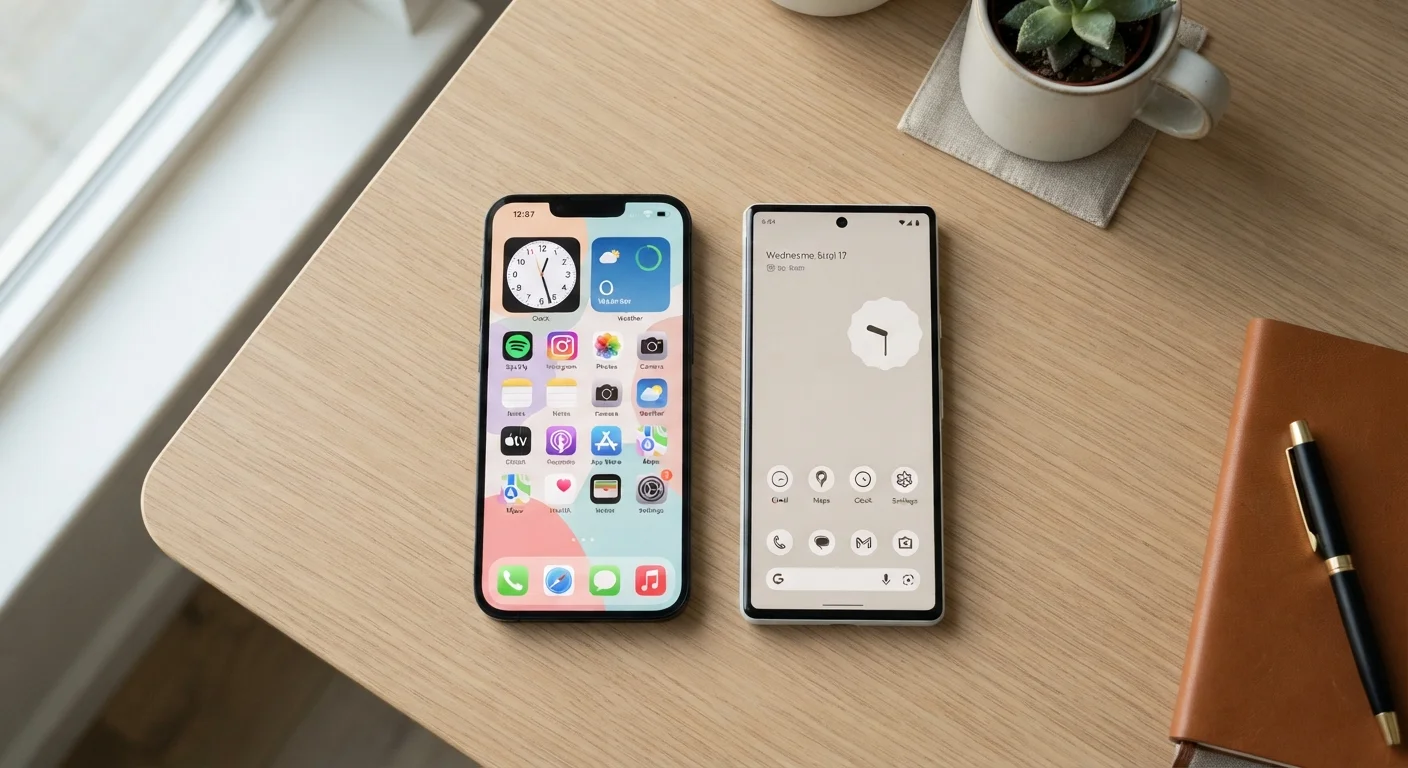
Why it happens: People often pick whichever OS they've seen most, without considering software compatibility, learning curve, or how it connects with their other devices.
Underestimating total cost of ownership.
Why it happens: The purchase price gets all the attention, while accessories, software licences, warranty extensions, and adapters quietly add up after the fact.
Overlooking upgrade potential and repairability.
Why it happens: Slim, attractive designs often come with soldered components that can't be upgraded, a detail rarely highlighted on product pages.
Skipping security considerations entirely.
Why it happens: Security feels abstract until something goes wrong, so buyers rarely factor it into their purchase decision.
The Overlooked Details That Matter Most
Once you've avoided the major spec-focused traps, a second layer of oversights can still derail a good purchase. Display quality is one of the most commonly underestimated factors - screen resolution, brightness, and colour accuracy directly affect how comfortable the machine is to use for hours at a time, yet many buyers never check these figures.
Ports and connectivity are another frequent blind spot. Modern thin laptops sometimes omit full-size USB ports or lack HDMI outputs entirely, which can force you into adapters from day one. Understanding what each port on a modern computer does before purchasing prevents unwelcome surprises.
Adapters Are Not a Free Fix
Buying a dongle or hub to compensate for missing ports adds ongoing cost and a point of failure. If a computer requires multiple adapters to handle your daily connections, that's a signal the machine may not be the right physical fit - not a minor inconvenience. Factor connectivity needs into the decision before purchase, not after.
Finally, consider what the computer will look like in three years. Machines with soldered-in RAM or non-replaceable batteries have a fixed lifespan. Our breakdown of why computers slow down over time explains the hardware and software factors at play - knowing them helps you buy with a longer horizon in mind.
~30%
Buyers who regret their computer purchase
Consumer research consistently finds roughly a third of computer buyers report wishing they had chosen differently, most often citing form factor or performance mismatches.
5-7 years
Average useful lifespan of a well-chosen computer
Technology analysts generally estimate that a computer matched to the right use case and maintained properly remains productive for five to seven years before meaningful limitations emerge.