RAM: Your Computer's Working Memory
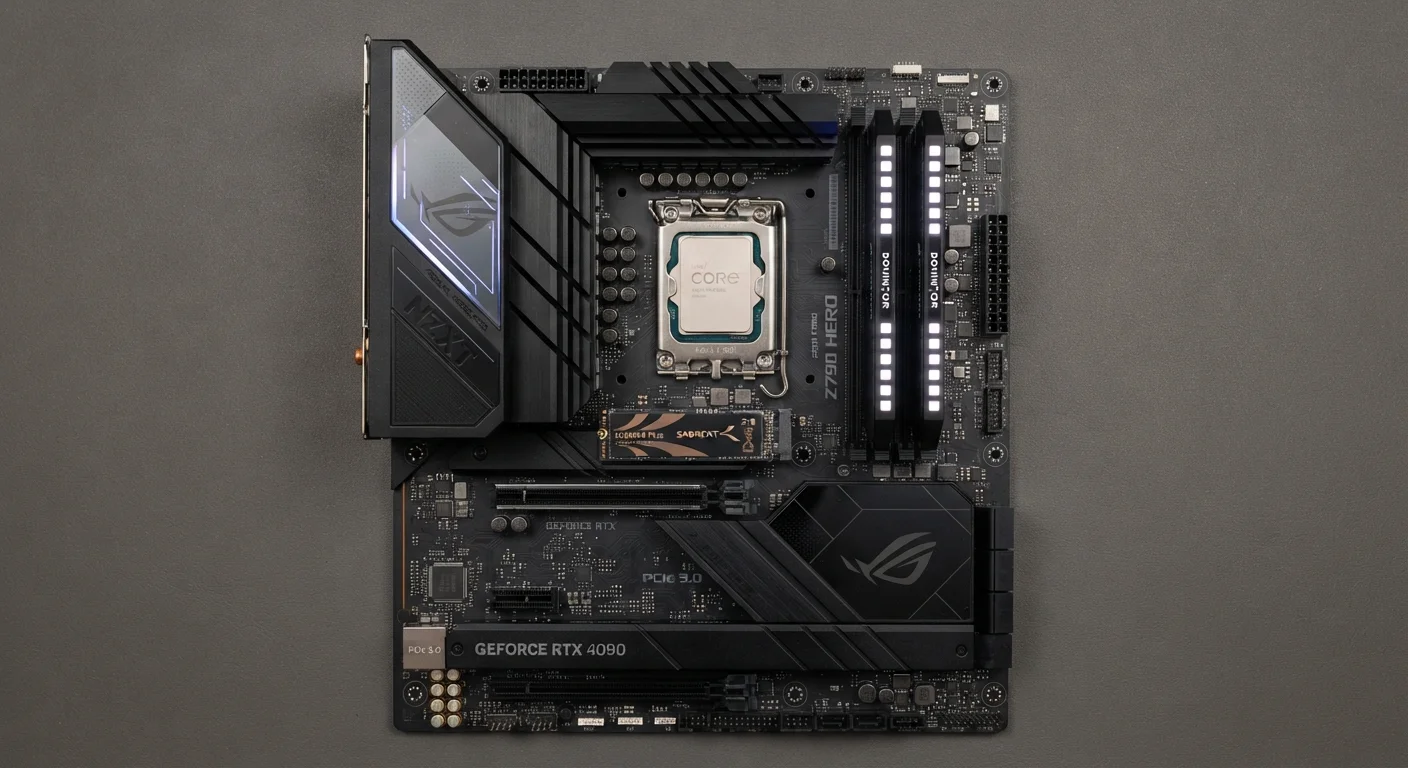
RAM stands for Random Access Memory. Think of it as your computer's desk - the surface where active work happens. When you open a web browser, a spreadsheet, and a music app at the same time, each of those programs claims a portion of your RAM. The more RAM you have, the bigger your desk, and the more you can have open without things slowing down.
RAM is measured in gigabytes (GB). You'll commonly see options ranging from 8GB on entry-level machines to 32GB or more on higher-end systems. RAM is temporary - when you shut down, it clears. It's not where your files are saved; that's storage's job.
Prioritize SSD and RAM Before Clock Speed
When comparing computers, check whether the drive is an SSD first - it has the single biggest impact on how fast day-to-day tasks feel. Then look at RAM. Processor speed is important, but for most everyday uses, an adequate amount of RAM and a solid-state drive will deliver a more perceptibly responsive experience than a faster chip paired with less of either.
For a broader look at how this fits into the full picture of buying a computer, see our guide for first-time computer buyers.
Storage: Where Everything Actually Lives
Storage is your computer's filing cabinet. It holds your operating system, applications, photos, documents, videos, and everything else you save. Unlike RAM, storage is permanent - data stays there when the power goes off.
Two main types exist. A hard disk drive (HDD) uses spinning magnetic platters to read and write data. It's slower but tends to offer more space at a lower price point. A solid-state drive (SSD) uses flash memory with no moving parts, making it faster, quieter, and more resistant to physical shock.
Storage capacity is also measured in gigabytes (GB) or terabytes (TB), where 1TB equals roughly 1,000GB. The type of drive - SSD versus HDD - often has a more noticeable effect on how responsive a computer feels than the capacity number alone.
~3-4×
Speed advantage of SSDs over HDDs for typical reads
Sequential read speeds for consumer SSDs commonly range from 500MB/s to over 3,000MB/s (NVMe), compared to 80-160MB/s for typical HDDs.
16GB
RAM increasingly cited as a practical modern baseline
Industry observers and hardware analysts increasingly describe 16GB as a comfortable standard for everyday computing as operating systems and apps grow more resource-intensive.
Processor Speed: The Engine Under the Hood
The processor, or CPU (Central Processing Unit), is the component that actually executes instructions. When you click a link, save a file, or run a calculation, the CPU is doing that work. Processor speed is measured in gigahertz (GHz), which describes how many cycles per second the chip can perform - essentially, how fast it can process individual instructions.
But GHz alone doesn't tell the full story. Modern processors also have multiple cores - independent processing units on a single chip. A processor with four or eight cores can handle several tasks simultaneously in a way a single-core chip cannot, regardless of clock speed. The processor's generation and architecture also matter significantly; a newer design at 2.5GHz can outperform an older one at 3.5GHz.
For a deeper look at how processor specs appear on product listings, the laptop spec sheet decoder breaks down every term you're likely to encounter.
How These Three Work Together
RAM, storage, and the processor aren't independent - they work as a system. A fast processor paired with too little RAM will struggle the moment you open several applications. Ample RAM with a slow HDD means your programs load sluggishly even once they're running. Understanding the interplay helps you interpret specs as a whole picture rather than isolated numbers.
For everyday consumers, prioritizing a device with an SSD and adequate RAM (at least 8-16GB for general use) often delivers a more noticeably smooth experience than chasing the highest processor clock speed. Upgrading storage or RAM post-purchase isn't always possible, so it's worth evaluating these figures before committing. Avoid common missteps by also checking our article on what people get wrong when buying a computer.
Specs Look Different on Phones
Smartphones use similar concepts - RAM, storage, and a processor - but the terminology and architecture differ from desktop and laptop components. If you're evaluating phone specs, the phone specs glossary covers the terms you'll actually see on mobile listings.
Once you have a computer that suits your needs, good habits keep it performing well. See how to keep your computer running well long-term for practical maintenance advice.