Why Smartphone Security Deserves Consistent Attention
Your smartphone holds more sensitive information than most people realize - banking apps, email, photos, passwords, and location history all live in one pocket-sized device. That makes it a worthwhile target for both opportunistic thieves and remote attackers. The good news is that the most effective defenses don't require technical expertise or daily effort. A handful of straightforward habits, set up correctly once and maintained occasionally, cover the vast majority of real-world threats most consumers are likely to face.
If you're also thinking about connected devices beyond your phone, the real capabilities of smart home security devices are worth understanding alongside these mobile practices.
Enable automatic software updates on both your operating system and your apps.
Most successful attacks on smartphones exploit known security flaws that have already been patched by the manufacturer. Delaying updates leaves a window open that attackers actively probe. Automatic updates close that window with no effort required after the initial setup.
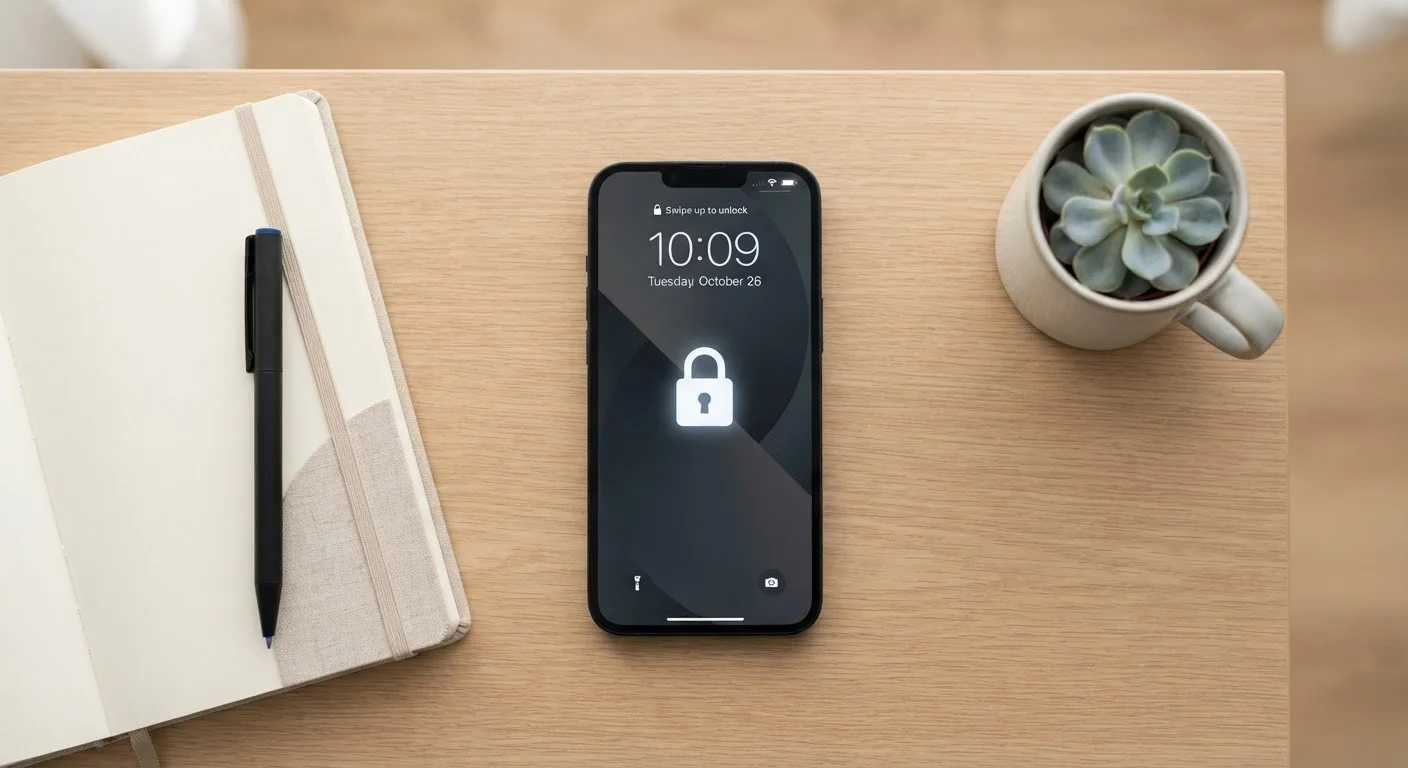
Use a strong, unique lock screen PIN, password, or passphrase - not a simple four-digit code.
A four-digit PIN has only 10,000 possible combinations, making it vulnerable to determined guessing. A six-digit PIN or an alphanumeric passphrase is dramatically harder to brute-force and stops most opportunistic access immediately if your device is lost or stolen.
Enable two-factor authentication (2FA) on your most important accounts.
Two-factor authentication (2FA) means that even if someone obtains your password, they still can't access your account without a second verification step - typically a code sent to your phone or generated by an authenticator app. This single step prevents the majority of account takeover attempts.
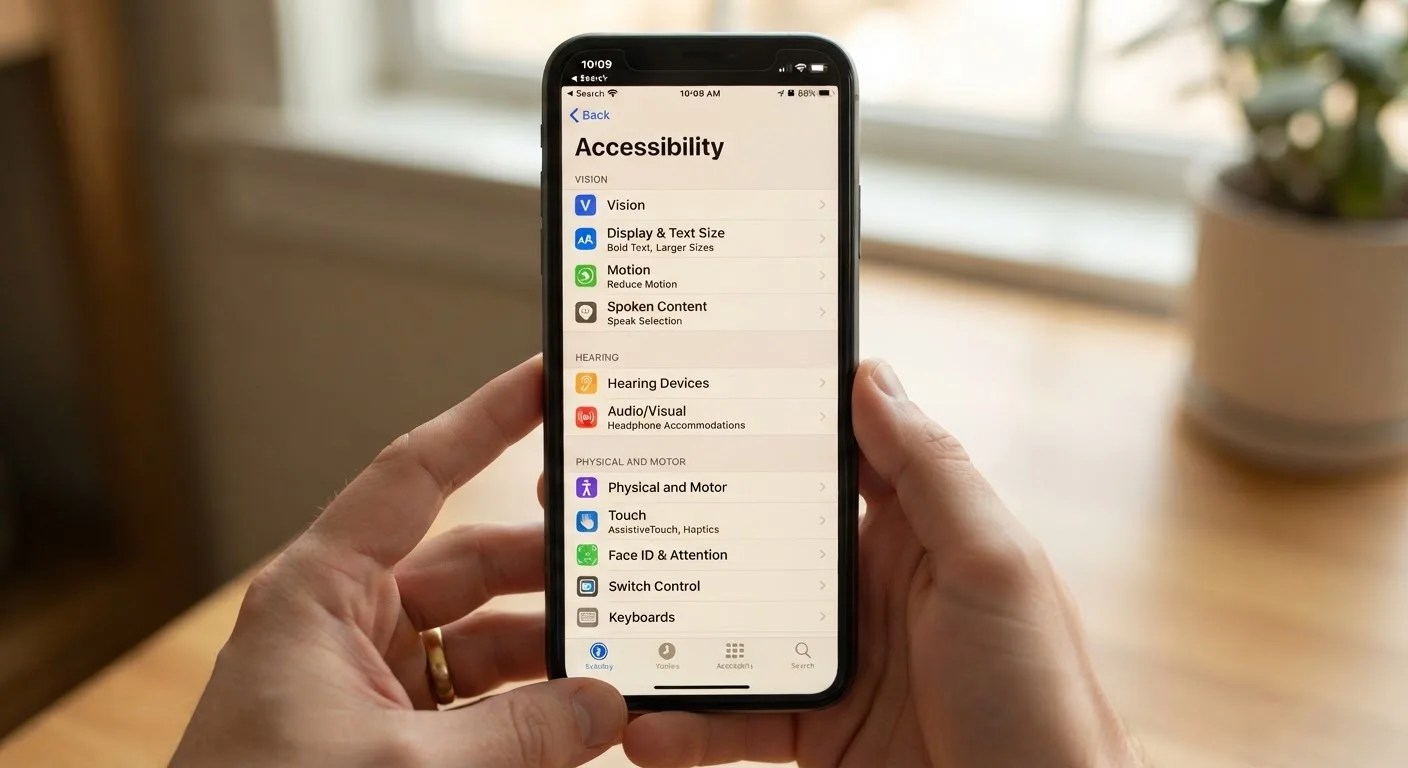
Audit app permissions regularly and revoke anything unnecessary.
Apps frequently request access to your location, contacts, microphone, and camera beyond what their core function requires. Unused or excessive permissions create unnecessary data exposure. Reviewing them periodically keeps your personal information from being collected without a clear purpose.
Avoid conducting sensitive transactions on public Wi-Fi networks.
Public Wi-Fi networks - in coffee shops, airports, and hotels - are often unencrypted or poorly secured, making it easier for others on the same network to intercept data in transit. Sensitive activities like banking or logging into email are better handled on a mobile data connection when you're away from home.
Download apps only from your device's official app store.
Apps distributed through official stores undergo at least some level of security review before reaching users. Apps sourced from unofficial websites or third-party stores skip this layer and carry a significantly higher risk of containing malware or spyware.
Quick Actions You Can Take Today
Not every security improvement requires a lengthy setup. Several meaningful changes take under two minutes and immediately reduce your exposure. Start with these before moving on to longer-term habits.
Keeping Security Simple Over the Long Term
Security isn't a one-time configuration - it benefits from occasional check-ins. Set a recurring reminder every few months to review which apps have access to your location, microphone, and camera. Revoke permissions that no longer make sense for how you actually use each app.
Use an Authenticator App Instead of SMS for 2FA
While any form of two-factor authentication is better than none, SMS-based codes can be intercepted through SIM-swapping attacks. Authenticator apps - which generate time-sensitive codes locally on your device - are generally considered more secure. Most major accounts support them as an alternative to text message codes.
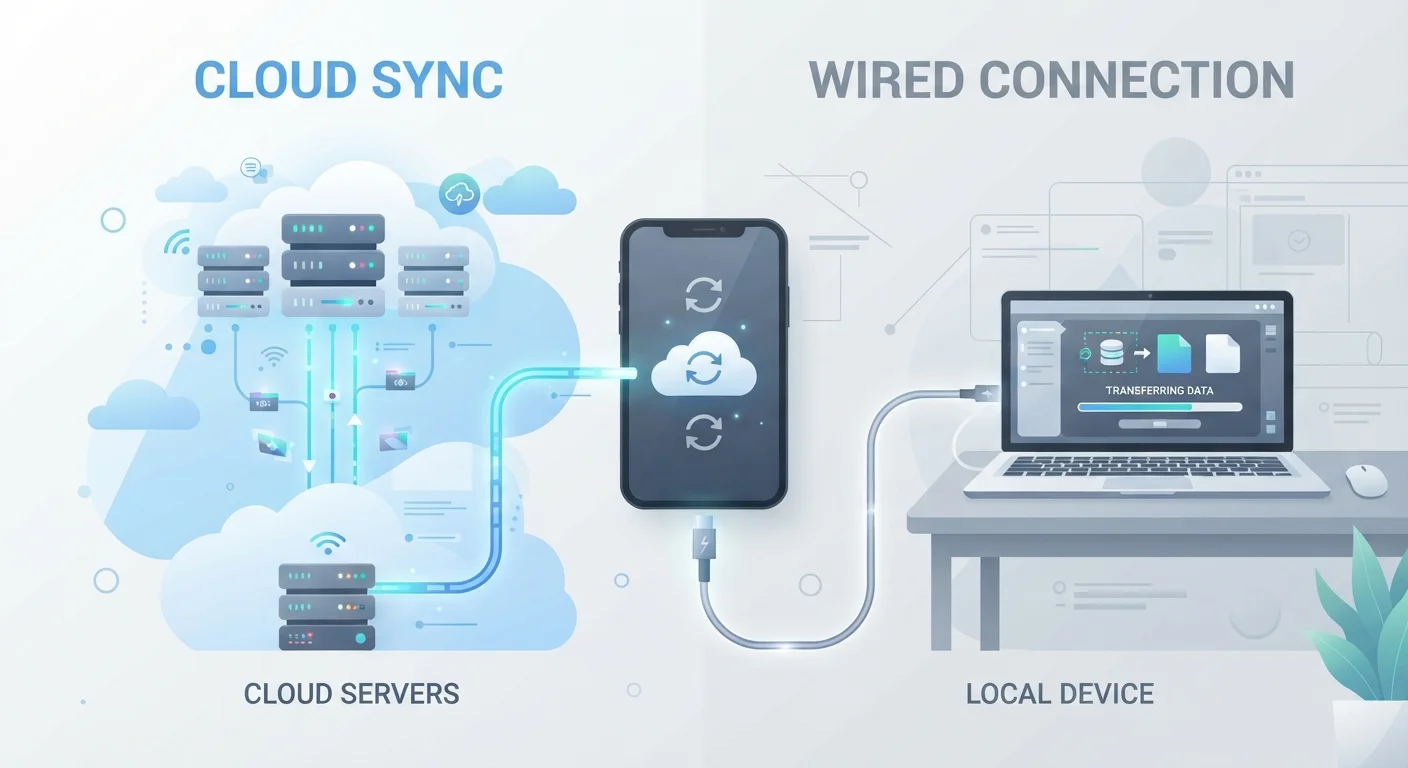
Backing up your data is also part of staying secure. A device that's lost, stolen, or compromised is far less catastrophic when your data is safely preserved elsewhere. Understanding the differences between cloud and local backup methods for mobile devices helps you choose the approach that fits your situation. And since a healthy device is easier to maintain, it's worth knowing how to free up space on a full phone - clutter can mask security-relevant apps and slow down updates.
Financial security and device security are closely connected. The same discipline that protects your phone also supports long-term bank account security. Treat both as ongoing habits rather than one-off fixes.
80%+
Of breaches involving stolen or weak credentials
According to Verizon's Data Breach Investigations Report, a large majority of hacking-related breaches involve compromised or weak passwords - underscoring the value of strong authentication practices.
99.9%
Of account compromises blocked by MFA
Microsoft has publicly reported that multi-factor authentication blocks over 99.9% of automated account compromise attacks, based on analysis of their identity systems.
Security Applies to Smart Home Devices Too
The habits that protect your smartphone translate directly to your broader connected life. If you use smart locks, cameras, or sensors at home, the same principles - strong credentials, regular updates, limited permissions - apply there as well. See our smart home security checklist for a structured audit you can run on your connected devices.