How Each Connection Type Actually Works
Your phone or tablet can reach the internet through two fundamentally different paths. Wi-Fi connects your device to a nearby router, which is itself connected to a broadband internet service. Mobile data - often called cellular data - bypasses local networks entirely and connects directly through your carrier's cell towers.
Because Wi-Fi relies on a router that's typically plugged into a high-speed broadband line, it can deliver faster and more consistent speeds when you're close to the router. Mobile data speeds depend on how many people are sharing a tower, your distance from it, and the generation of cellular technology your carrier uses (4G LTE or 5G). For a grounded look at what those network labels actually mean for your phone, see what 5G actually is and isn't.
Both connections can handle everyday tasks - email, browsing, messaging - but their strengths and weaknesses diverge significantly depending on context.
| Mobile Data | Trusted Wi-Fi | Public Wi-Fi | |
|---|---|---|---|
| Speed | Good (4G/5G dependent) | Typically fastest | Variable, often slow |
| Security | Encrypted by carrier | Secure if password-protected | Low - often unencrypted |
| Availability | Anywhere with cell coverage | Within router range only | Select public locations |
| Data plan impact | Uses your data allowance | No cellular data used | No cellular data used |
| Battery impact | Higher in weak signal areas | Lower in most conditions | Lower in most conditions |
| Best use case | On the go, sensitive tasks | Streaming, downloads, backups | Light browsing only |
When Wi-Fi Is the Smarter Pick
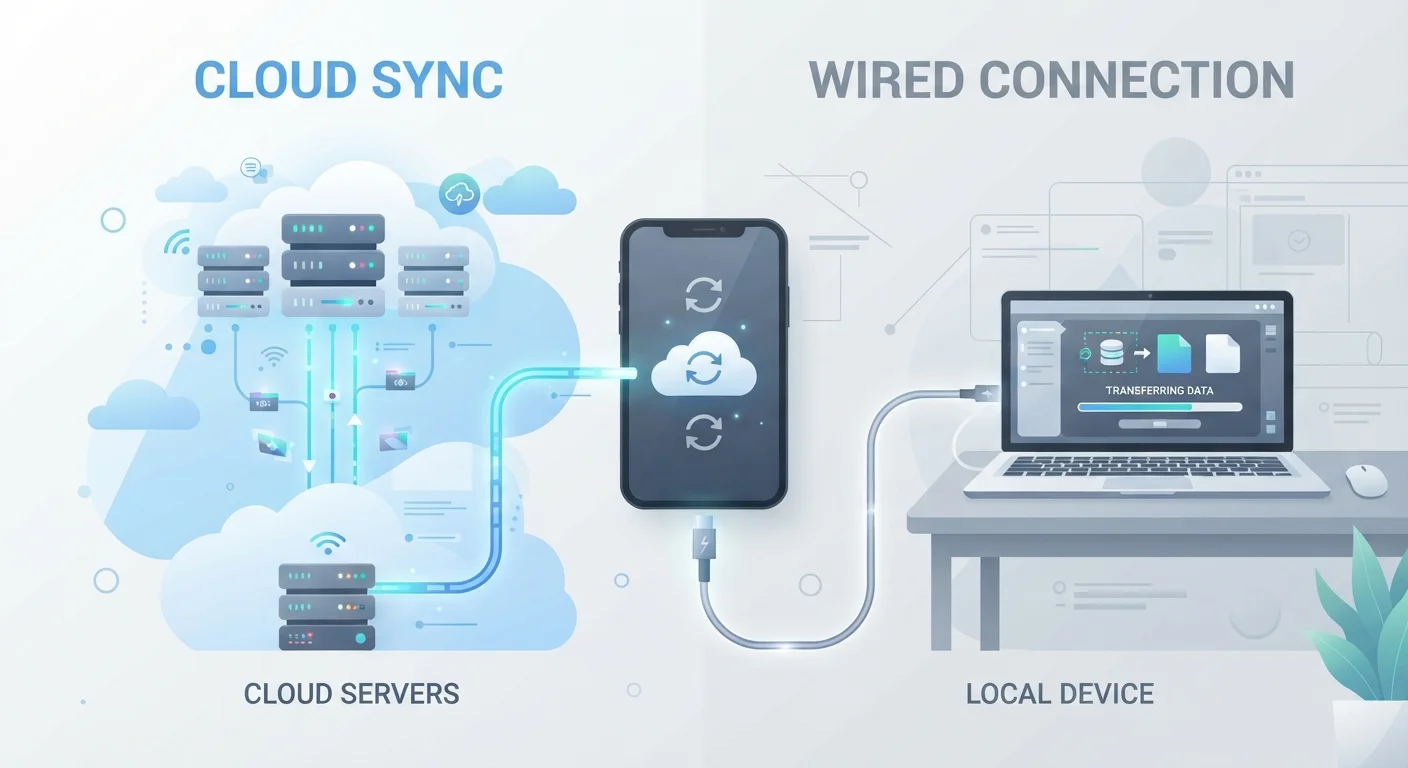
A reliable, password-protected Wi-Fi connection is the right choice for most high-demand tasks. Streaming HD or 4K video, downloading large app updates, video conferencing, and backing up your phone all consume significant data - doing these over Wi-Fi keeps that consumption off your cellular plan. If you're interested in how cloud backups work relative to local options, cloud backup vs. local backup for mobile devices walks through the tradeoffs in detail.
Wi-Fi also tends to extend battery life slightly compared with sustained cellular use, because maintaining a strong cellular signal draws more power from your radio hardware. Your phone battery's behavior is shaped by several factors - here's why your phone battery drains fast covers those culprits clearly.
Maximize Wi-Fi at Home
Position your router in a central location and away from walls and large appliances to reduce dead zones. If your home is large, a mesh Wi-Fi system can extend coverage more evenly than a single router. Keeping your router's firmware updated also helps maintain both speed and security.
When Mobile Data Is the Smarter Pick
The case for mobile data becomes clear the moment you leave a trusted network. Public Wi-Fi - the kind found at airports, hotels, coffee shops, and libraries - is often unencrypted or minimally secured. On these networks, other users on the same connection could potentially intercept unprotected traffic. For sensitive tasks like logging into financial accounts or accessing work systems, switching to mobile data eliminates that exposure.
Mobile data is also the obvious choice when no Wi-Fi is available, and it provides a more predictable experience when a Wi-Fi signal is weak or congested. A sluggish, overcrowded Wi-Fi network can actually underperform a solid 4G LTE connection. When traveling, mobile data (or a local SIM) keeps you connected without hunting for networks. For more on managing connectivity while traveling, trip planning tips covers practical preparation strategies.
Public Wi-Fi Carries Real Risk
Connecting to an open or poorly secured network exposes your traffic to potential interception by others on the same network. Avoid accessing bank accounts, email, or work systems on public Wi-Fi unless you're using a reputable VPN (Virtual Private Network), which encrypts your traffic before it leaves your device. When in doubt, switch to mobile data for anything sensitive.
Making Smart Choices Day to Day
Most smartphones automatically prefer Wi-Fi when it's available, but automatic isn't always optimal. Here are practical habits worth building:
- Turn off auto-join for public networks. Your phone can be set to ask before joining unfamiliar Wi-Fi networks rather than connecting silently.
- Use mobile data for sensitive logins in public. Banking, healthcare portals, and work apps deserve the added protection of your carrier's encrypted connection.
- Schedule heavy downloads for home Wi-Fi. App updates and media downloads are easy to defer - doing them over Wi-Fi avoids unexpected data overages.
- Check signal strength before assuming Wi-Fi is better. One bar of Wi-Fi from a distant router will often lose to a strong 4G LTE signal on your carrier.
Understanding how your device handles these connections is part of getting the most from your smartphone. For a broader look at how Android and iOS handle connectivity and other everyday decisions differently, see Android vs. iOS: what the difference actually means for daily use.
Privacy-conscious users should also be aware that the network you connect through - whether home Wi-Fi, mobile data, or a smart home hub - can affect what data gets transmitted and to whom. Debunking common smart home privacy misconceptions is a useful companion read on that broader topic.