What You're Actually Comparing
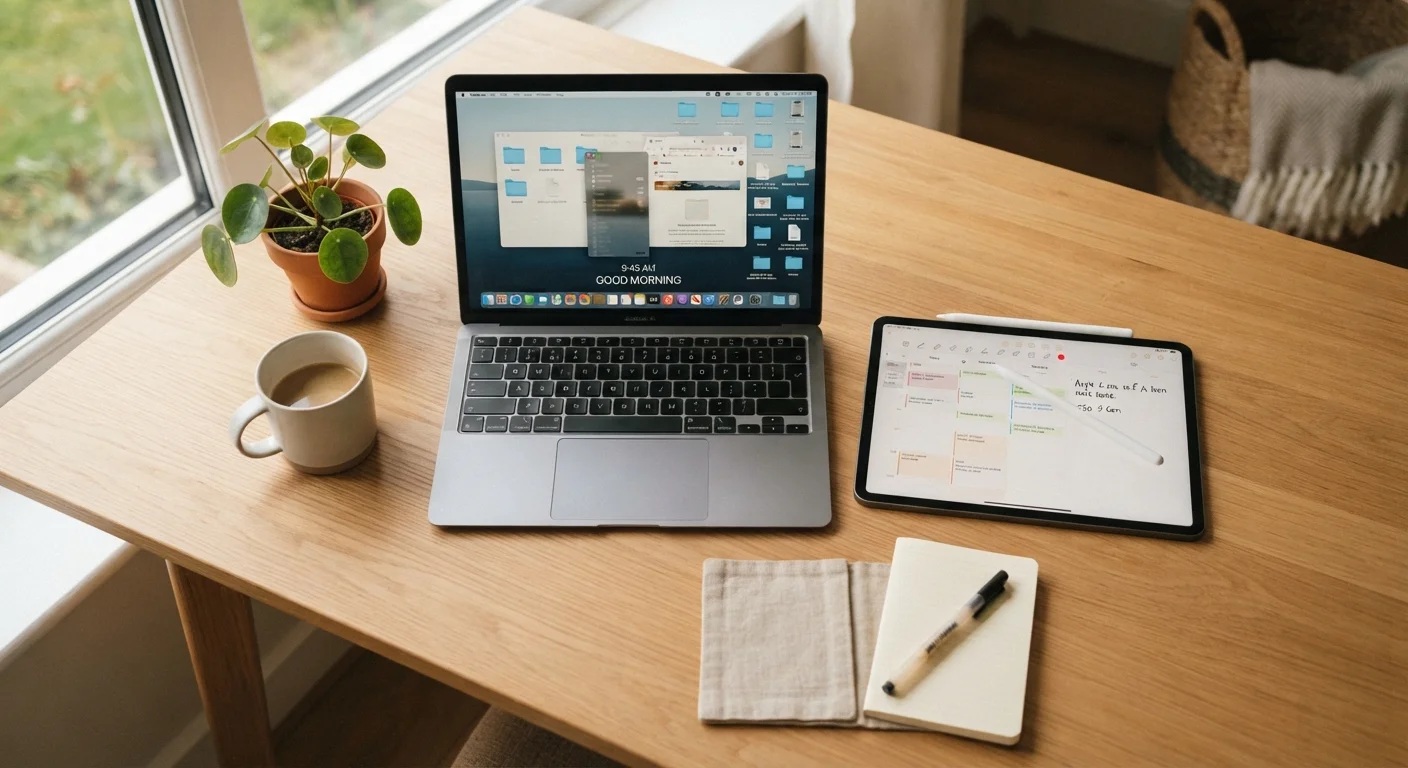
Tablets and laptops have been converging for years. Tablets now ship with keyboard covers and stylus support. Some laptops fold into tablet mode. The lines have blurred enough that choosing between them genuinely requires thinking through how you actually spend your screen time - not just what sounds more capable.
At their cores, the two devices still reflect different design priorities. A tablet is built around a touchscreen, a compact form factor, and a mobile operating system - either iPadOS, Android, or in some cases a version of Windows. A laptop is built around a keyboard, a trackpad, and an operating system designed for desktop-style multitasking, typically Windows or macOS. Those foundations shape everything from what apps are available to how comfortable it is to sit and work for three hours straight.
For a broader look at how laptops compare to desktop setups, see this comparison of desktops and laptops - it covers the form-factor trade-offs in useful detail.
| Criterion | Tablet | Laptop |
|---|---|---|
| Weight | Typically under 1.5 lbs | Typically 2.5-5 lbs |
| Battery Life | Often 10-12 hours | Varies widely, 6-12 hours |
| Input Method | Touchscreen primary | Keyboard and trackpad primary |
| Software Ecosystem | Mobile apps (iPadOS/Android) | Full desktop software (Windows/macOS) |
| File Management | Limited and simplified | Full, flexible file system |
| Best Use Case | Media, reading, light tasks | Productivity, professional work |
| Connectivity Ports | Usually 1-2 ports | Multiple ports standard |
Where Tablets Pull Ahead
Portability is the tablet's strongest argument. A mid-sized tablet typically weighs under a pound and a half - noticeably lighter than even the slimmest laptops. If you're slipping a device into a bag for a commute, a flight, or a weekend trip, that difference is felt immediately. Pair this with the fact that tablets tend to handle airport security screening more smoothly, and they become an obvious travel companion. If you're thinking about how your device fits into a travel packing strategy, carry-on vs. checked bag considerations are worth thinking through alongside your device choice.
Battery life is another area where tablets often have an advantage. Many tablets deliver 10-12 hours of real-world use, and because their processors are designed with power efficiency in mind, they hold up well during long days away from an outlet.
For reading, streaming, casual browsing, sketching, and video calls, a tablet's touchscreen interface feels more natural than a laptop's. Creative tasks like digital illustration or annotation are genuinely better on a tablet with a stylus.
~1.5 lbs
Typical weight of a mid-sized tablet
Most popular tablet models weigh between 1 and 1.5 pounds, compared to 3-5 pounds for a standard laptop.
10-12 hrs
Average tablet battery life
Manufacturers commonly cite battery life in this range for tablets under moderate use conditions; real-world results vary by task and screen brightness.
2x+
Broader desktop app availability on laptops
Desktop operating systems like Windows and macOS support a significantly wider catalog of professional-grade software than mobile tablet platforms.
Where Laptops Hold the Advantage
The moment your work involves a real keyboard - writing long documents, composing emails at volume, coding, building spreadsheets - a laptop's physical keyboard and trackpad create a workflow that a tablet with an attached cover keyboard can approximate but rarely match. Key travel distance, palm rest ergonomics, and trackpad precision all contribute to the difference.
Software is the other major factor. Laptops run full desktop applications: professional video editing suites, full versions of Microsoft Office, design tools, development environments, and specialized software for fields like accounting or engineering. Tablet apps, even polished ones, are often scaled-down versions with fewer features.
File management is also significantly easier on a laptop. Organizing folders, moving large files, connecting external storage, and managing downloads all feel more intuitive on a desktop operating system. If you're new to thinking through these trade-offs, this guide for first-time computer buyers explains the key specs and considerations clearly.
Tablets With Keyboard Covers: A Middle Ground
Some tablets - particularly higher-end models - support detachable keyboard covers that meaningfully close the gap with laptops for light productivity tasks. However, these accessories typically add cost and weight, and the typing experience still differs from a laptop's dedicated keyboard. If you frequently switch between media consumption and typing, a tablet-plus-keyboard setup may work well, but it's worth trying one in person before assuming it replaces a laptop for heavy writing work.
The Operating System Factor
Choosing between a tablet and a laptop isn't just a hardware decision - it's an ecosystem decision. iPads run iPadOS, which shares its app library with iPhone and is tightly integrated with Apple services. Android tablets access the Google Play Store. Both offer thousands of apps, but app quality and availability can vary depending on the task.
Laptops typically run Windows or macOS, both of which support decades of desktop software and have mature file systems designed for power users. A small number of tablets - notably Microsoft Surface devices - run full Windows, which closes some of the software gap, though the trade-off is often battery life and cost.
If you're already invested in a mobile ecosystem and wondering how that shapes your options, this breakdown of Android vs. iOS gives useful context for how the two platforms differ in everyday use. Your phone's OS can legitimately inform which tablet ecosystem makes sense for you.