What a Smart Thermostat Actually Does
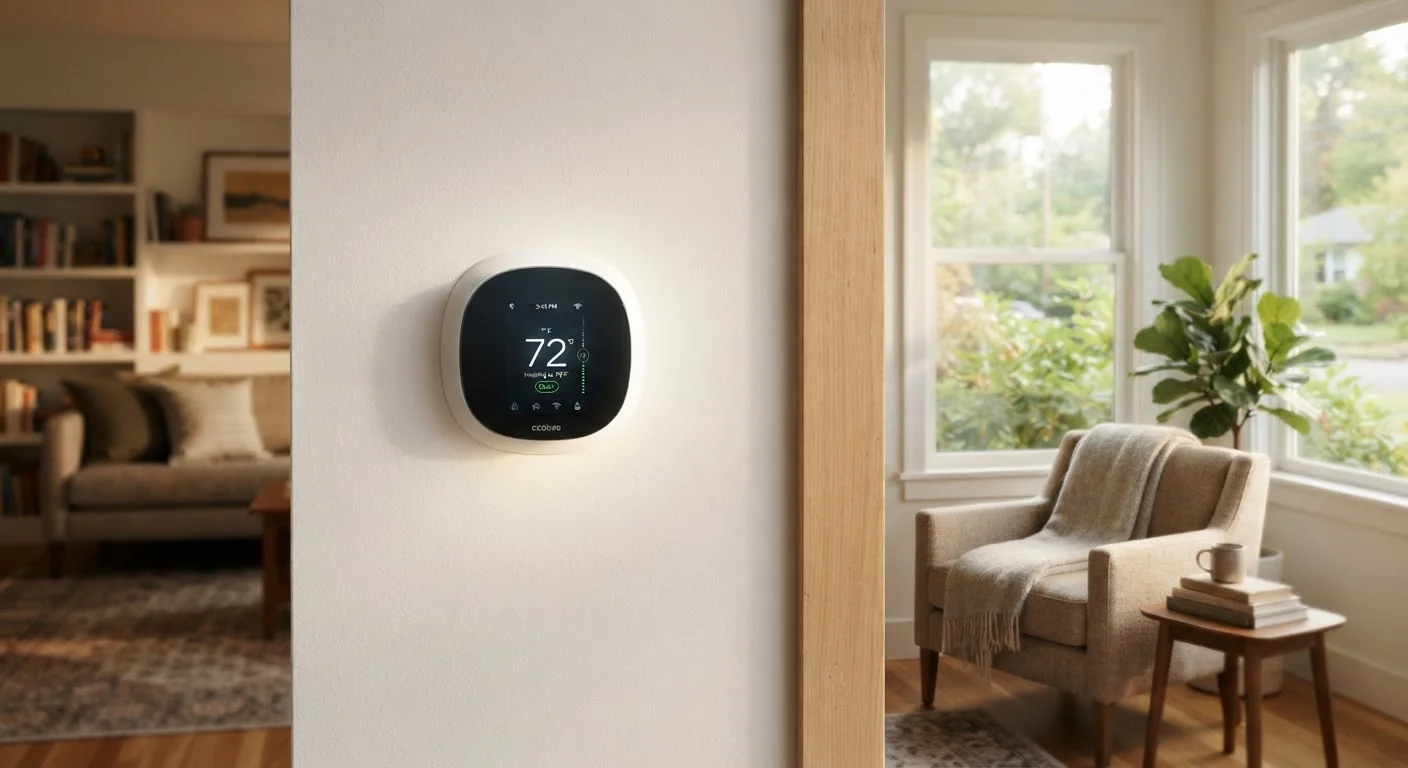
At its core, a smart thermostat does what any thermostat does - it tells your heating and cooling system when to run. The difference lies in how it decides. A standard thermostat responds only to the temperature you've set. A smart thermostat draws on additional inputs: your daily patterns, your phone's location, occupancy sensors, and sometimes even local weather forecasts.
The most widely discussed feature is learning. A learning thermostat monitors when you raise or lower the temperature manually. Within a week or two, it begins anticipating those adjustments automatically. If you consistently turn down the heat at 10 p.m., the device will start doing it for you.
Geofencing is another key mechanism. When enabled, the thermostat uses your smartphone's GPS to detect when you've left a defined area around your home. It then shifts to a more energy-efficient setpoint - no heating an empty house to full comfort temperature. When you're on your way back, it begins warming or cooling in advance so conditions are comfortable on arrival.
For a broader look at how these devices fit into the larger connected home picture, see what smart home devices actually do.
~50%
Share of home energy used for heating and cooling
According to the U.S. Energy Information Administration, space heating and cooling represent the single largest energy expense in most American homes.
10-15%
Potential reduction in heating and cooling energy use
The U.S. Department of Energy has noted that programmable thermostat setbacks of 7-10°F for 8 hours per day can yield savings in this range, a baseline smart thermostats aim to automate.
1-2 weeks
Typical learning period for adaptive thermostats
Most manufacturers indicate their devices require one to two weeks of observed manual adjustments before generating an automatic schedule.
Where the Energy Savings Come From
The efficiency gain from a smart thermostat comes almost entirely from reducing run time - running your HVAC system less, not more efficiently. Heating and cooling accounts for roughly half of a typical US home's energy consumption, making it the highest-leverage target for reduction.
Savings accumulate in two main ways:
- Setback periods: Automatically lowering heat (or raising the cooling setpoint) while you sleep or are away. Even modest setbacks - say, 7-10°F over 8 hours - can meaningfully reduce energy consumption over a full heating season.
- Eliminating forgotten adjustments: Many households lose energy simply because occupants forget to lower the thermostat before leaving. Smart thermostats close this gap through automation and geofencing.
What a smart thermostat cannot do is improve how efficiently your HVAC equipment itself operates. If your furnace or heat pump is aging or undersized, the thermostat controls the schedule - not the hardware's efficiency rating.
Don't Rely on Factory Defaults
Smart thermostats ship with generic default settings that may not match your home's layout, climate, or schedule. Taking 20-30 minutes after installation to configure geofencing, review inferred schedules, and set appropriate setback temperatures will produce better results than leaving defaults in place. Check your device's companion app for an energy usage summary - most provide one after the first billing cycle.
Factors That Determine Real-World Results
Published energy savings figures - often cited in the range of 10-15% on heating and cooling costs - come from aggregated studies across many households. Your home's outcome may be higher, lower, or negligible depending on several variables.
Home insulation and air sealing
A well-insulated home holds temperature longer, meaning the HVAC system doesn't have to work as hard to recover from a setback. In a poorly sealed home, heat or cool air escapes quickly, which can partially offset the gains from smarter scheduling. Addressing the building envelope - including attic insulation - can make a smart thermostat's impact considerably larger.
Your existing habits
If you already manually adjust your thermostat carefully - setting it back every night and when you leave - a smart thermostat will add less value than it would for a household that tends to leave the heat on all day. Automation is most useful when it replaces inconsistent behavior.
Climate and system type
Homes in climates with mild winters or summers simply run their HVAC systems less, leaving less room for savings. Similarly, homes using electric resistance heating will see a different cost profile than those with high-efficiency heat pumps or gas furnaces.
Understanding these trade-offs is part of the broader conversation covered in the real trade-offs of smart home technology.
Setting Up for Better Results
A smart thermostat installed with default settings and never configured further may deliver minimal benefit. Getting more from the device requires some intentional setup.
- Enable geofencing if your household has consistent smartphone users - it's one of the most reliable ways to avoid heating or cooling an empty home.
- Review the learning period after the first few weeks. Most devices show a schedule they've inferred; correct any assumptions that don't match your real routine.
- Use energy reports if your device provides them. These show when and how long your system ran, which helps identify unusual usage or confirm that setbacks are working.
- Set a reasonable differential - the gap between your comfort and setback temperatures. Extreme setbacks in very cold weather can make recovery periods longer and less efficient.
If you're building out a broader connected home setup, planning your smart home setup carefully will help ensure your devices work together rather than against each other.
“The biggest savings from a smart thermostat come not from the technology itself, but from the behavior it automates - specifically, the setbacks that homeowners intend to make but often forget.”
— Energy Efficiency Research Community, General finding from building energy performance research literature