Why Smart Devices Don't All Speak the Same Language
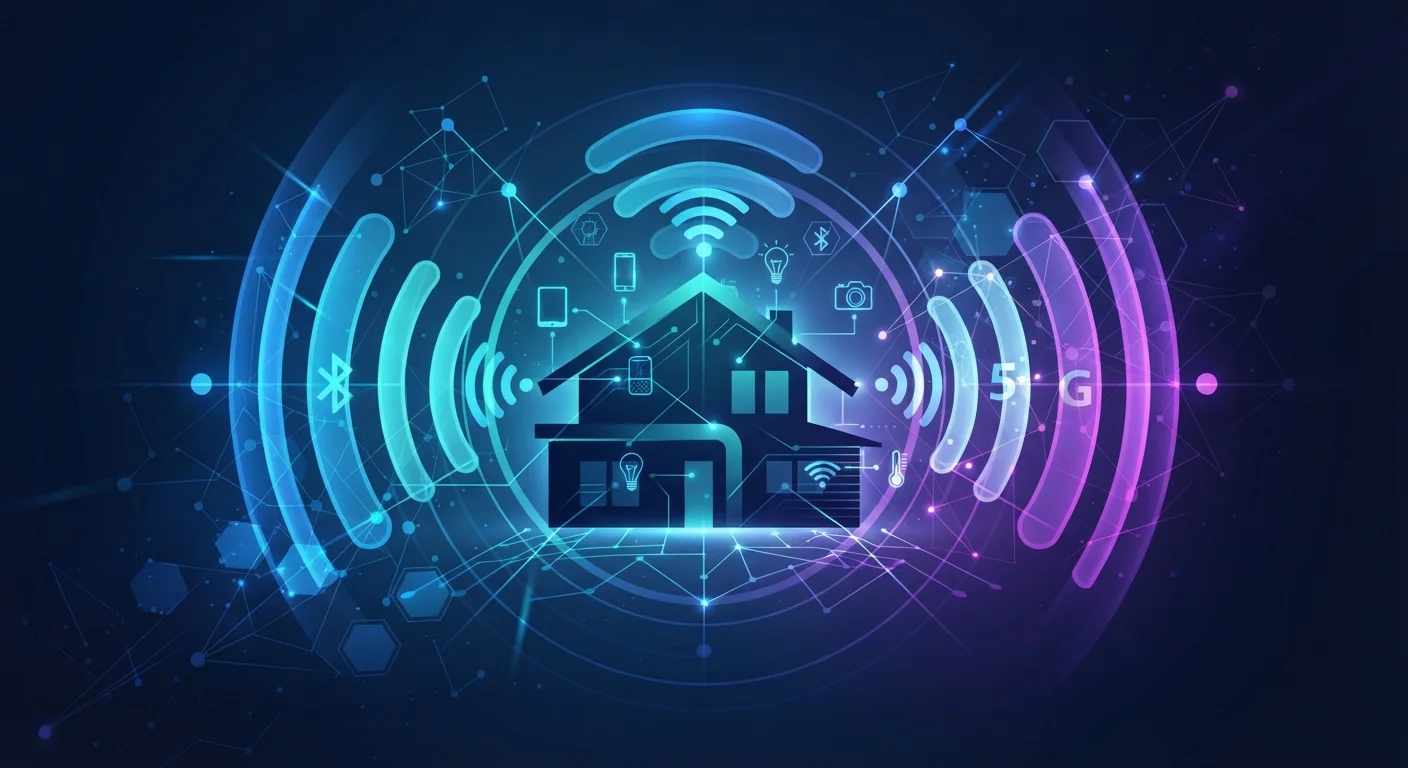
When you add a smart light bulb, a door sensor, and a video doorbell to your home, you might assume they all communicate the same way. In reality, they could be using three completely different wireless protocols - each with its own strengths, trade-offs, and compatibility rules.
Understanding these protocols isn't about becoming a networking expert. It's about knowing why some devices need a hub, why others drain batteries faster, and why a bulb from one brand might not play nicely with a thermostat from another. For a broader look at what smart devices actually do in your home, see our Smart Home 101 guide.
2.4 GHz
Frequency band shared by Wi-Fi, Zigbee, and Bluetooth
Operating on the same band increases potential for signal interference in environments with many competing wireless devices.
~232
Maximum Z-Wave devices per network
Z-Wave's certification program enforces this ceiling to maintain network stability and interoperability between certified products.
900 MHz
Z-Wave operating frequency band
This lower frequency experiences less congestion and generally offers better wall-penetration than 2.4 GHz alternatives.
Wi-Fi: The Familiar Option With a Hidden Cost
Wi-Fi is the protocol most people already have at home, which makes it an obvious choice for smart devices. Cameras, video doorbells, and smart displays almost universally use Wi-Fi because it handles large amounts of data - video streams especially - without issue.
The trade-off is power consumption. Wi-Fi radios require significantly more energy than other smart home protocols, which is why you'll rarely see a battery-powered Wi-Fi motion sensor. Devices that run on Wi-Fi are almost always plugged into mains power. There's also a practical ceiling: every device added to your home router increases the load, and crowded networks can cause reliability issues.
Match the Protocol to the Device Type
Use Wi-Fi for devices that stream video or audio - cameras, doorbells, smart displays. For everything that runs on batteries or needs to last years without attention - sensors, locks, bulbs - look for Zigbee, Z-Wave, or Thread. Matching protocol to use case reduces both battery drain and network congestion on your router.
Zigbee and Z-Wave: Mesh Networks Built for the Home
Zigbee and Z-Wave solve the power problem by using low-energy radio signals and a mesh networking topology. In a mesh network, devices don't all connect back to a central router. Instead, each mains-powered device can pass signals along to the next, extending the network's reach organically. Add more devices, and the network grows stronger.
Zigbee operates on the 2.4 GHz band - the same crowded frequency used by Wi-Fi and Bluetooth - which can occasionally cause interference in dense environments. It's widely adopted across smart lighting, sensors, and outlets, and many popular hubs support it natively.
Z-Wave runs on the 900 MHz frequency band, which is less congested and tends to penetrate walls more effectively. It's limited to a maximum of 232 devices per network and devices must be Z-Wave certified, which creates a more controlled but interoperable ecosystem. Z-Wave is commonly found in security sensors, door locks, and thermostats.
Both protocols typically require a compatible hub to bridge the network to the internet and your phone. For definitions of terms like mesh, hub, and controller, our smart home glossary is a useful reference.
Thread: The Newer Protocol Designed for What's Next
Thread is a mesh protocol built specifically for low-power smart home devices, but with a key architectural difference from Zigbee and Z-Wave: it's IP-based. That means Thread devices use the same internet addressing system as your smartphone and laptop, allowing them to communicate more directly with other networked devices without requiring a proprietary hub.
Thread requires a Thread Border Router - a device that bridges the Thread mesh to your home's IP network. Some smart speakers and set-top devices include this function built in.
Thread is also the transport layer beneath the Matter standard, a cross-industry compatibility initiative. Matter defines a shared application language so devices from different manufacturers can understand each other - running over Thread for low-power devices or Wi-Fi for higher-bandwidth ones. For a deeper look at how Matter changes the compatibility picture, see our article on the Matter standard.
“Thread was designed from the ground up to be an IP-based protocol for the home, with security, low power consumption, and self-healing mesh networking built into its foundation.”
— Thread Group, Industry standards body overseeing the Thread networking protocol
What This Means When You're Building a Smart Home
Most consumers don't need to choose a single protocol. Modern smart home hubs often support Zigbee, Z-Wave, Wi-Fi, and Thread simultaneously, letting you mix device types without conflict. The practical questions to ask are simpler: Is this device battery-powered or plug-in? Does it require a hub I don't already own? Is it compatible with the platform I'm already using?
Protocol mismatches are one of the most common frustrations for new smart home owners - something our guide on pitfalls for new smart home owners covers in depth. Checking protocol compatibility before purchasing saves considerable setup headaches later.
Checking Compatibility Before You Buy
Before adding a new device, confirm which protocol it uses and whether your existing hub or platform supports it. Many hub manufacturers publish compatibility lists on their websites. If you're starting from scratch, a multi-protocol hub gives you the most flexibility without locking you into a single device ecosystem.